ScrollBottomNavigationBar
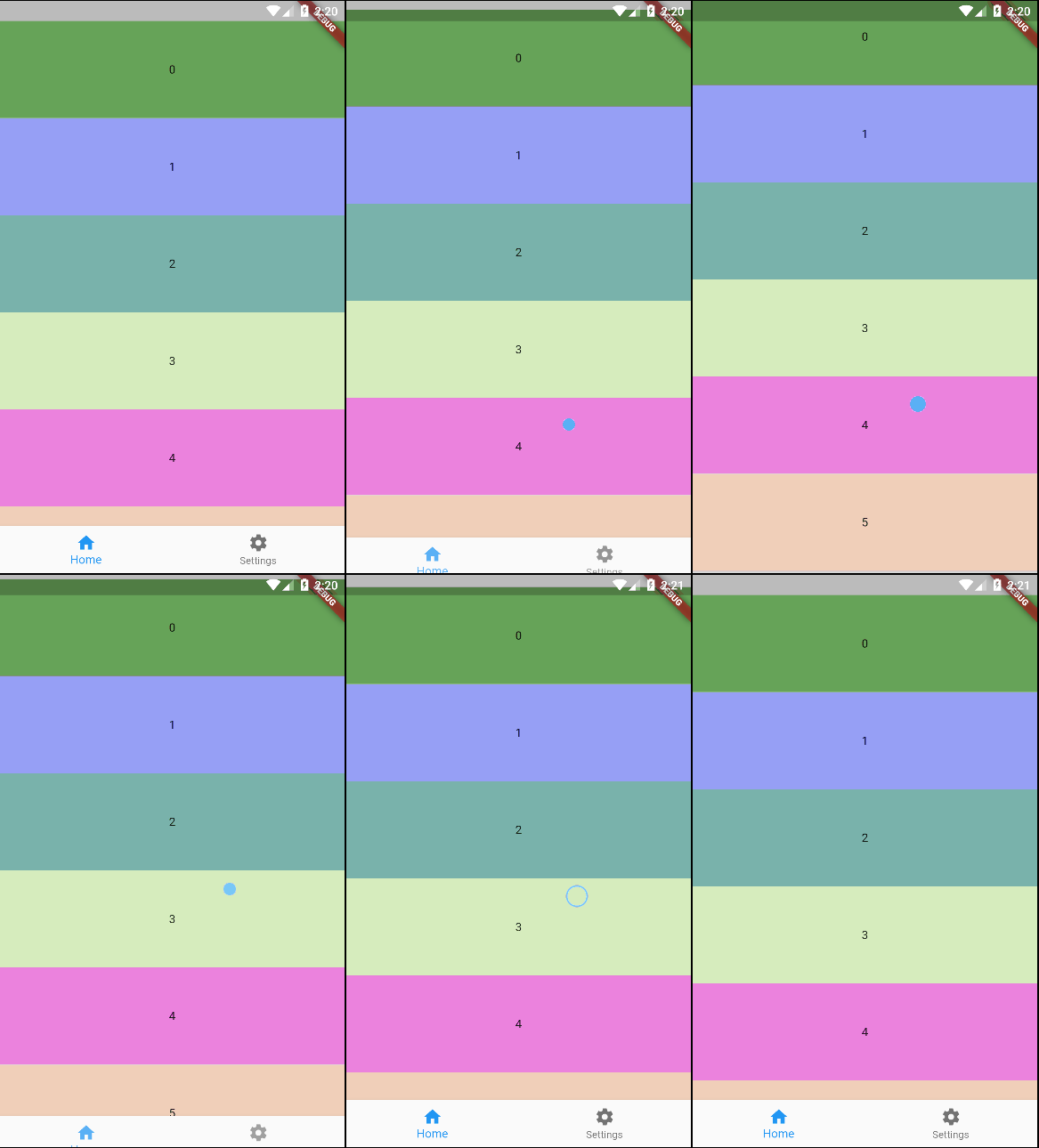
Hide or show bottom navigation bar while scrolling.
Roadmap
This is currently our roadmap, please feel free to request additions/changes.
| Feature | Progress |
|---|---|
| Scrollable | ✅ |
| Supports FAB | ✅ |
| Supports Snackbar | ✅ |
| Gradient background | ✅ |
| Pin/unpin | ✅ |
| Snap/unsnap | ✅ |
| Auto change page | ✅ |
| Change page by controller | ✅ |
| Listen page changes | ✅ |
| Custom scroll controller | ✅ |
| Auto attach scroll controller | ✅ |
| Animated transitions | ? |
Usage
Getting started
Add scroll_bottom_navigation_bar package to your project. You can do this following this steps.
Basic implementation
First, you need a ScrollBottomNavigationBarController instance. If you need a custom ScrollController, you can pass the instance on constructor.
final controller = ScrollBottomNavigationBarController();
Now, you can use the ScrollBottomNavigationBar widget in a Scaffold widget, and attach ScrollController instance in your scrollable widget on body.
For simplify your code, you can use the ScrollBody widget as your scrollable widget. This widget takes care of exchanging items from the bottom bar.
NOTE: Showing only essencial code. See example section to a complete implementation.
@override
Widget build(BuildContext context) {
  return Scaffold(
    body: ScrollBody(
      scrollBottomNavigationBarController: controller,
      builder: (context, index) => container(index),
    ),
    bottomNavigationBar: ScrollBottomNavigationBar(
      scrollBottomNavigationBarController: controller,
      items: items,
    ),
  );
}
ScrollBottomNavigationBarController
You can use the ScrollBottomNavigationBarController instance to manage the behavior of the bottom navigation bar.
// Custom scroll controller
final scrollController = ScrollController();

final controller = ScrollBottomNavigationBarController(
  scrollController: scrollController,
  snap: true, // snap effect
);
Change page
controller.changePage(page);
Check pin state
controller.isPinned;
Pin
controller.setPinState(true);
Unpin
controller.setPinState(false);
Toogle pin state
controller.tooglePin();
Check snap state
controller.snap;
Snap
controller.setSnapState(true);
Unsnap
controller.setSnapState(false);
Toogle snap state
controller.toogleSnap();
Listen page changes
controller.pageListener((index) => print(index));
Dispose
controller.dispose();
Example
You can also check the example for additional information.
Snapshots
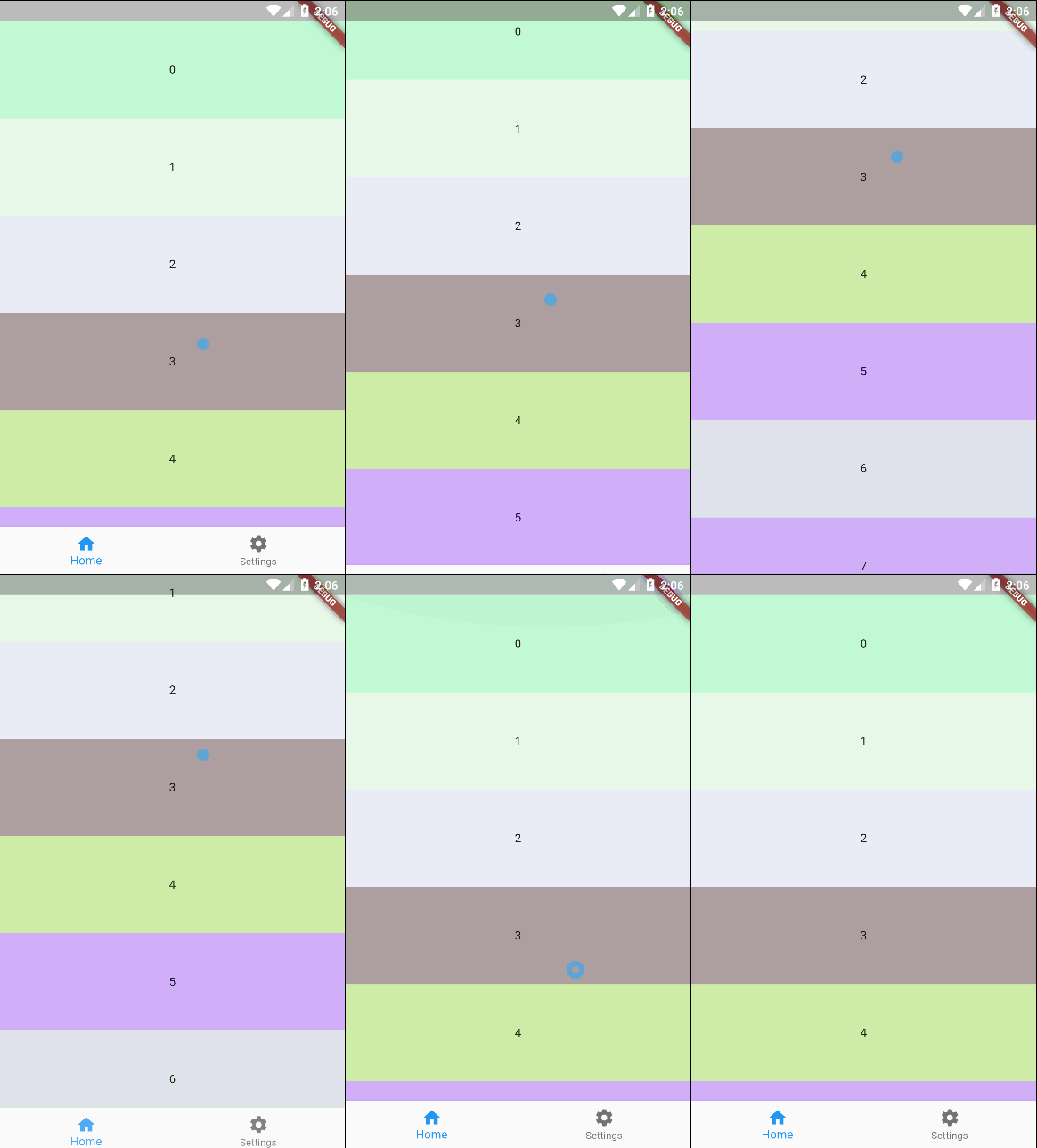
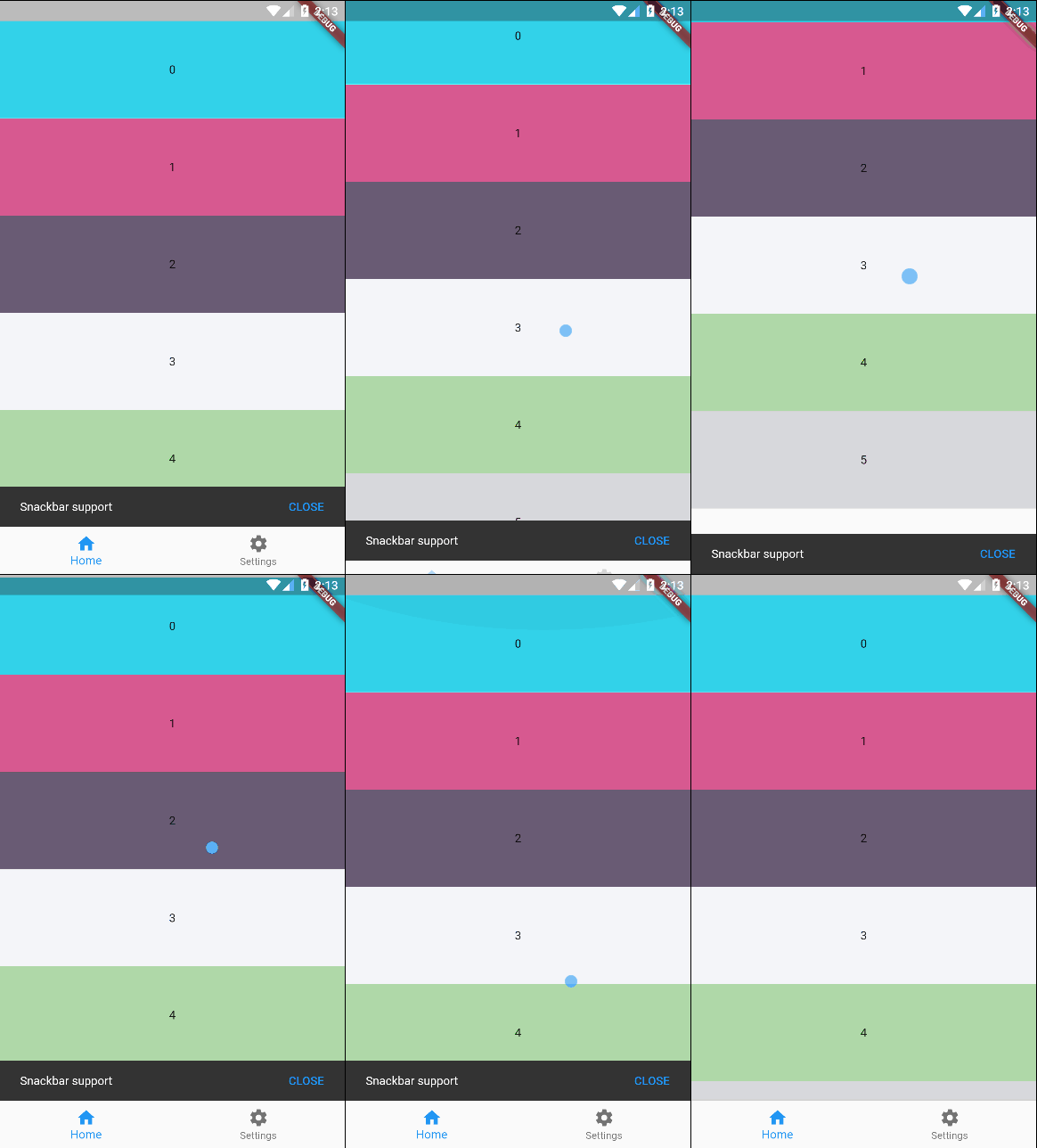
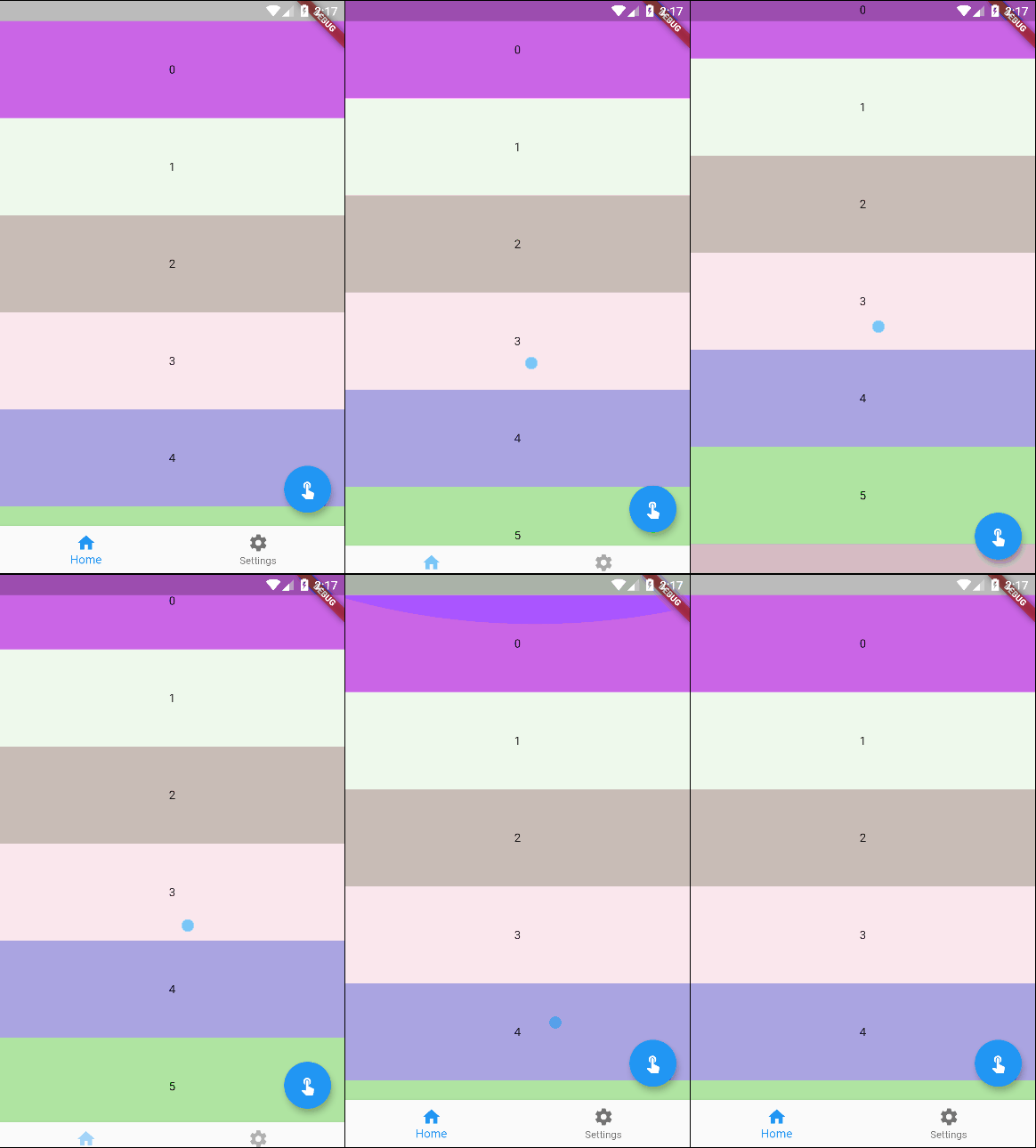
GitHub
https://github.com/EdsonOnildoJR/scroll_bottom_navigation_bar